Published on: 2026-07-13
Order types specify how a trade should be executed. Some aim to enter or exit the market immediately, while others wait until the price moves through a specific level or until traders can define the worst acceptable execution price.
Each order type balances speed, price control and execution certainty differently. Understanding those trade-offs helps traders choose the right instruction for the situation rather than relying on a single order for every trade.
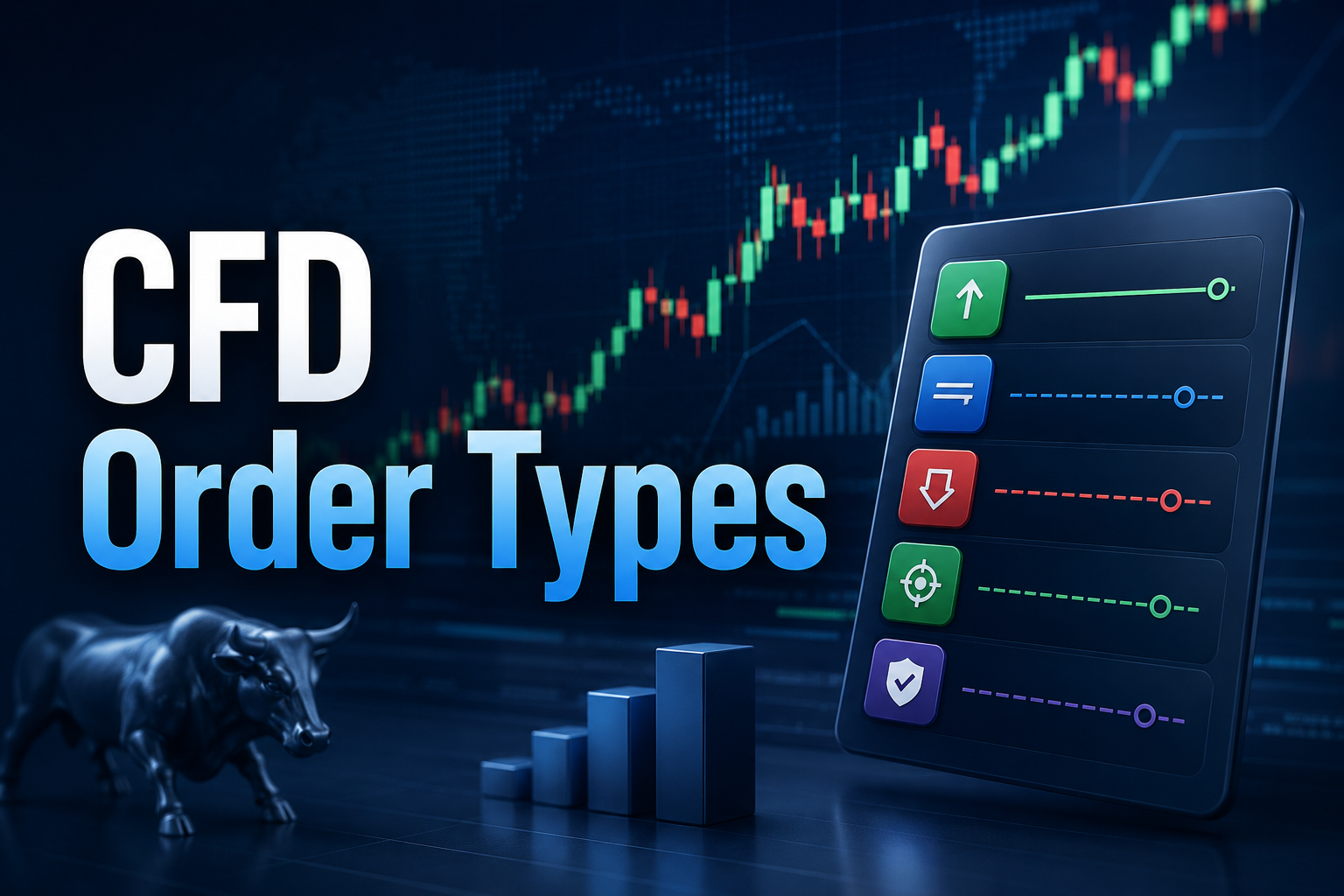
An order can execute immediately or remain pending until a condition is met. Four prices can be involved:
Order price: The level entered by traders.
Trigger price: The level that activates a pending or stop order.
Executable price: The bid or ask available after activation.
Fill price: The price at which the trade is completed.
These prices are not always the same.
For example, suppose EUR/USD is quoted at 1.1000/1.1002 on the EBC trading platform. A trader places a buy stop at 1.1010. When the ask reaches 1.1010, the order activates.
If the market moves quickly and the next available ask is 1.1013, your trade fills at 1.1013 rather than the trigger price. The trigger tells the system when to act, but the actual market price decides where your trade is filled.
The right order type depends on what traders want to achieve. Some are designed to enter the market immediately, others wait for a specific price, while several exist purely to manage an open position.
| Function | Examples |
|---|---|
| Immediate execution | Market order |
| Pending entry | Limit order, stop-entry order, stop-limit order |
| Position management | Stop-loss, take-profit, trailing stop |
| Margin protection process | Stop-out |
| Provider-specific protection | Guaranteed stop |
A market order is used when immediate execution takes priority. Pending entry orders wait for a specified market condition, while position-management instructions control how an existing trade closes.
Stop-out belongs in a separate category because it responds to the account’s margin level rather than a price selected by traders. Guaranteed stops also require separate treatment because their availability and conditions depend on the provider.
After identifying the function, the choice usually comes down to three factors: execution speed, price control and the risk that the order remains unfilled.
Here are the top 9 main order types that should be learned;
| Order Type | Main Purpose | Main Limitation |
|---|---|---|
| Market order | Trade immediately | Final price can change |
| Limit order | Trade at a selected price or better | Execution is not guaranteed |
| Stop-entry order | Enter after price reaches a trigger | Slippage can occur |
| Stop-limit order | Activate a limit order after a trigger | The order can remain unfilled |
| Stop-loss | Close after an adverse move | The stop price is not guaranteed |
| Trailing stop | Move protection as price advances | Normal volatility can trigger it |
| Take-profit | Close at a target price | The target might not be reached |
| Guaranteed stop | Close at an agreed level where available | Fees and restrictions can apply |
| Stop-out | Close positions when margin falls too low | The trader loses control of the exit |
A market order buys or sells at the best available price. Because it prioritises speed over price, the final execution can differ from the quote shown when the order is submitted.
A market buy executes against the ask, while a market sell executes against the bid. If EUR/USD is quoted at 1.1000/1.1002, a market buy would begin at the ask price of 1.1002.
Fast markets can move before the order finishes. Large trades can also be filled across multiple price levels when there is insufficient liquidity at the best quote. If the final execution price differs from traders’ expected price, the difference is known as slippage.
A limit order sets the highest price a trader will pay when buying or the lowest price a trader will accept when selling.
Buy limits are set below the current market price, while sell limits are set above it. If a share trades at 50.00, a buy limit order at 48.00 can execute at or below 48.00, but not above the specified limit.
The main advantage is price control. Even so, execution is not guaranteed. The market might never reach the limit, or only part of the requested quantity may be filled when there is insufficient liquidity at that price.
Traders generally use limit orders when they have a preferred entry or exit level and would rather miss the trade than accept a worse price.
A stop-entry order opens a trade after the market hits a trigger. Buy stops are placed above the current price, while sell stops are placed below it.
Traders often use stop-entry orders to trade breakouts rather than buying or selling immediately. For example, a buy stop above resistance can activate only after price moves through that level.
Once triggered, a standard stop-entry turns into a market order. If an index jumps from 5,048 to 5,055 through a buy stop at 5,050, the final fill could occur around 5,055 rather than at the trigger.
Traders therefore use stop-entry orders when they want confirmation that price has actually broken through a level, even though slippage remains possible.
A stop-limit order combines two prices. The stop price activates the instruction, while the limit price controls the worst acceptable execution.
A buy stop at 100.00 with a limit at 100.20 becomes a buy limit once the market reaches 100.00. The trade can execute at 100.20 or lower, but not above that level.
Traders choose stop-limit orders when they want to avoid paying significantly worse prices during a fast move, even if that means the trade never executes.
The extra price protection creates a clear trade-off. If the market jumps above 100.20 before the order fills, the instruction stays unfilled.
A stop-loss closes an open position after the market crosses a chosen adverse price. Long positions usually place stops below the market, while short positions place them above it.
It defines the exit before emotions take over and reduces the need to react manually once the trade moves against the position. After activation, a standard stop-loss becomes a market instruction and closes at the next available price.
A stop-loss controls when the exit process begins, but it does not guarantee the exact price at which the trade finishes.
A stop-loss can fill away from its trigger when no executable price is available at that level. This often happens during:
Market gaps
Rapid price moves
Major economic announcements
Low-liquidity periods
Trading halts or market closures.
Large orders that require several fills
Sharp spread widening
Suppose a trader holds a long position with a stop-loss at 98.00. The market closes at 99.00, but unexpected news causes the next available bid to open at 96.50.
The stop is activated because the price has moved below 98.00. However, no buyer was available at the stop level, so the position closes near 96.50 instead.
A standard stop-loss limits exposure by triggering an exit. It does not guarantee a maximum loss at the exact stop price.
The spread is the difference between the bid and ask. Long positions close at the bid, while short positions close at the ask.
During news releases, market openings or quiet trading periods, that spread can widen sharply. A quote might move from 100.00/100.05 to 99.70/100.20 even though the midpoint changes only slightly.
A stop on a long position at 99.80 would activate because the bid has fallen below the stop level.
Some charts display the bid, while others show the ask, midpoint or last-traded price. The platform’s product specification explains which quote triggers each order.
A trailing stop follows the market when price moves in the position’s favour. Traders set a fixed distance, percentage or number of points between the market price and the stop.
For a long trade opened at 100.00 with a five-point trailing distance:
A rise to 105.00 can move the stop to 100.00.
A rise to 110.00 can move it to 105.00.
A fall back to 105.00 activates the stop.
The stop moves higher as the market rises but does not move lower when price reverses.
Trailing stops can protect part of an open gain without constant manual adjustments. In practice, a tight trailing distance can close the trade during ordinary short-term volatility. Slippage still applies after activation.
A take-profit order closes a position after the market reaches a favourable price.
For a long trade, the target sits above the entry. For a short trade, it sits below. A long position opened at 50.00, for example, could use a take-profit at 55.00.
The order eliminates the need to continuously monitor the market and helps lock in gains in line with a trading plan. It also reduces the temptation to keep moving a target after price approaches it.
A take-profit does not guarantee that a trade will become profitable. The market can reverse before reaching the target.
A guaranteed stop closes a position at the specified level, even if the market gaps beyond it.
It removes the ordinary gap and slippage risk attached to a standard stop-loss. Guaranteed stops are available only on certain platforms, accounts and markets.
A premium, minimum distance or restrictions on changes can apply. Availability and pricing depend on the broker and product.
Stop-out is an automatic process that closes open positions when an account’s margin level hits a broker-defined threshold.
It is triggered by account equity and margin conditions rather than a market price chosen by traders.
| Stop-Loss | Stop-Out |
|---|---|
| Selected by the trader | Set by the broker's margin rules |
| Applied to an individual position | Applied at the account level |
| Triggered by market price reaching the stop level | Triggered when the margin level falls below the stop-out threshold |
| Planned risk-management exit | Forced liquidation process |
The platform can close one or several positions according to its liquidation rules. Stop-out is an emergency account mechanism, not a substitute for position sizing or planned risk management.
Time-in-force instructions control how long a pending order stays active.
Day: Expires at the end of the trading session.
Good till cancelled: Remains open until filled, cancelled or expired by the platform.
Immediate or cancel: Fills the available quantity immediately and cancels the rest.
Fill or kill: Must be filled completely and immediately, or be cancelled.
Not every setting is available for every market, instrument or platform.
Common mistakes include:
Assuming the displayed chart price is the executable price
Treating a standard stop-loss as a guaranteed exit price
Confusing a stop-entry order with a limit order
Ignoring the effect of spread widening
Using a stop-limit without considering non-execution risk
Placing stops exactly on obvious support or resistance
Assuming pending orders guarantee execution
Treating stop-out as a risk-management tool
Bid price: The highest price currently offered by a buyer for an asset.
Ask price: The lowest price currently offered by a seller for an asset.
Bid-ask spread: The difference between the current bid and ask prices.
Slippage: The difference between the expected execution price and the final fill.
Margin level: A measure of account equity compared with the margin used to support open positions.
The main order types include market, limit, stop-entry, stop-limit, stop-loss, trailing stop and take-profit orders. Guaranteed stops and stop-out are separate features linked to execution protection and account margin.
A market order prioritises immediate execution at the best available price. A limit order prioritises price control by setting an acceptable level, although the trade can remain unfilled.
Yes. A standard stop-loss can fill beyond its trigger during market gaps, rapid price moves, low liquidity or spread widening when no executable price is available at the stop level.
A stop-loss becomes a market instruction after activation. A stop-limit becomes a limit order, offering more price control but increasing the risk that the position remains open.
No. A stop-loss is selected by traders for a specific position. Stop-out is an automatic account-level liquidation process that is triggered when the margin falls below the broker’s required threshold.
Every order type involves a trade-off between execution speed, price control and certainty. Knowing how market, limit, and stop orders behave, especially during volatile conditions, helps traders place orders that align with both their strategy and their tolerance for execution risk.
Understanding how each order behaves during gaps, volatile markets and wider spreads can reduce execution surprises and help traders apply their trading plans more consistently.